Sunday, April 17, 2011

Creation of "Storm Over Sedona"


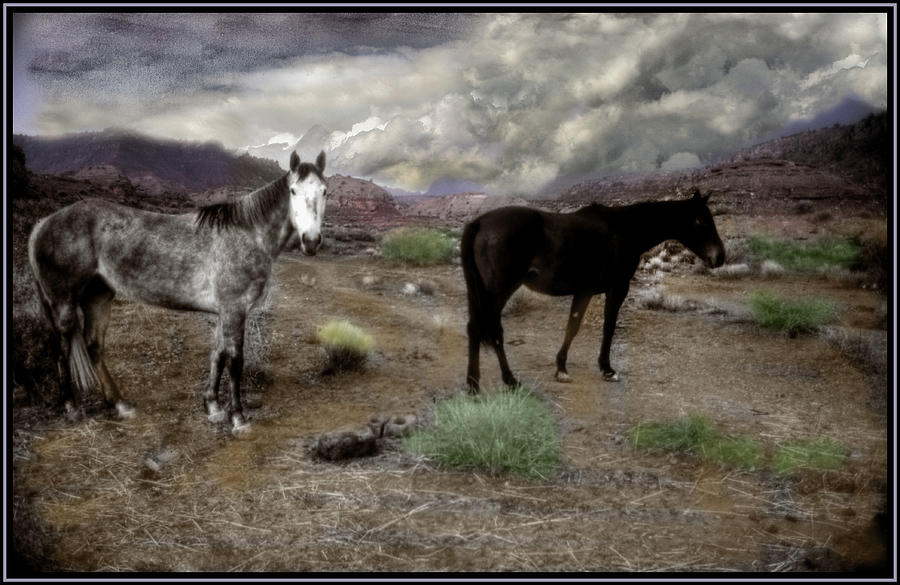
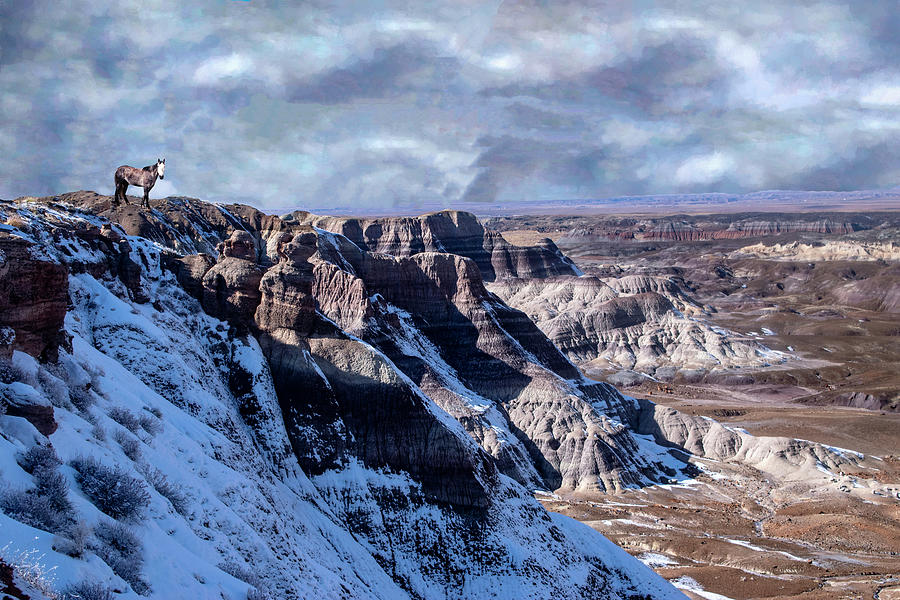
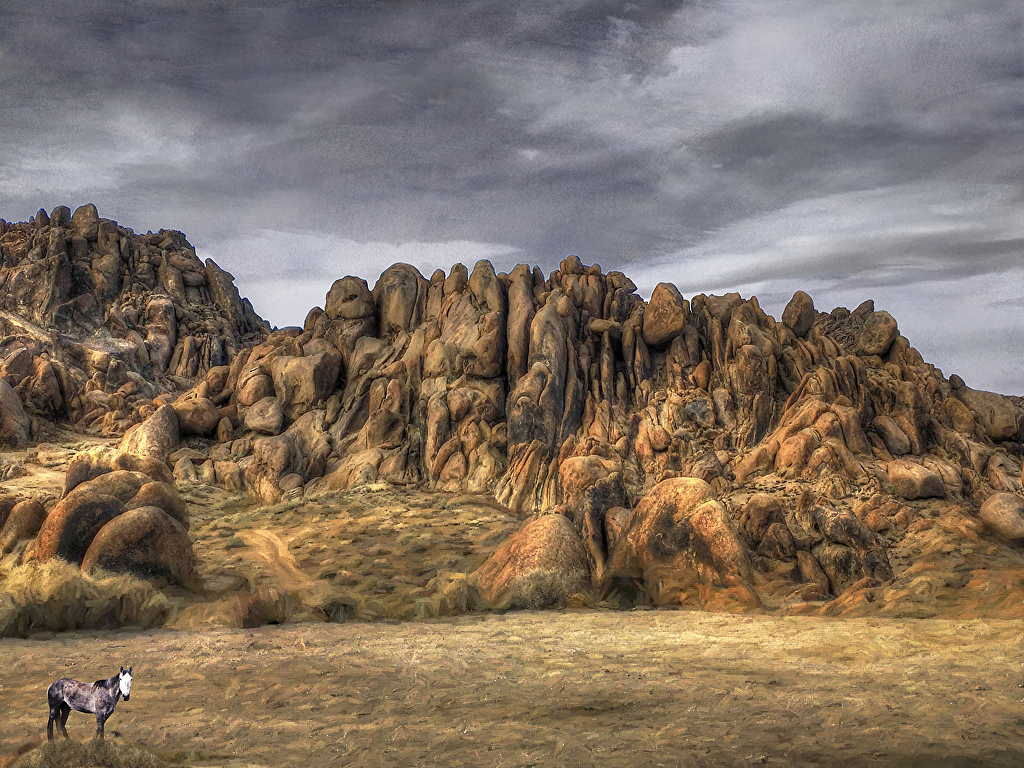
Taken in Sedona Arizona this Mindscape image is manipulated to emphasize the power of the clouds. A number of different processes were used to create this image.

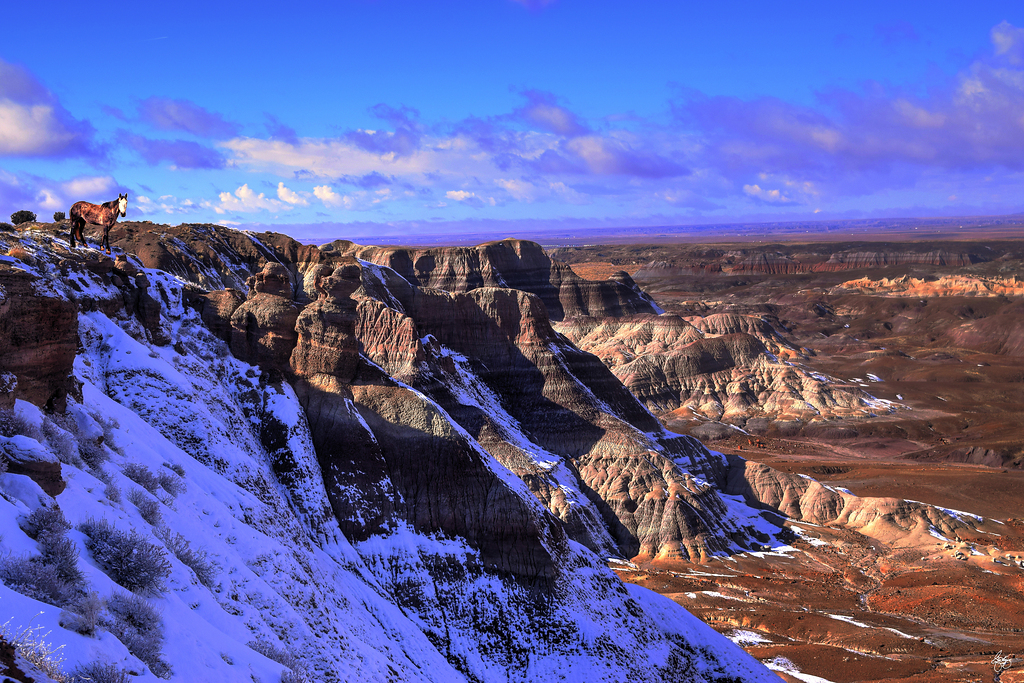
Beginning with a straight shot in a day when a storm system was moving in but not threatening to the extent that the final image would have you believe. Here is the original image.


Like many images on digital or film a correct exposure gives a flat look to the image.

While the image was shot as a raw format file, I did not take multiple images with the intention of creating a HDR image. However, by using the curves feature in Photoshop I can create a similar effect, using the original to create 2 additional images, one with the equivalent of 2 stops over exposed an one 2 stops under exposed.

The three images subjected to HDR treatment with Photomatix software looked like this:

2 stops under

correct metering

Two stops overexposed


The result of this is a HDR images that captures a much broader range of light and color


There's no question that this image is superior to the others and if I were creating a straight image, or doing a documentary photographic book of Arizone, this is where I'd be stopping. However, as a work of art the image is just missing something for me.

Now I take the image above and create two copies, one a toned monochrome or a duochrome and the other an exact copy of the HDR "original". I put the finished "original aside as an archive so that I don't lose it by manipulating it accidently and hitting the save button.


Now I take the monochrome and copy it and paste it over the color image. So the file I have is now the monochrome over color. Now choosing the eraser and modifying the opacity so that the eraser does not remove the entire first layer with one stroke, I slowly bring back sections of the image toward the full color -leaving untouched the sky to emphasize the gray of the clouds. In the central part of the image I restore the full color but you'll notice that in the foreground I do not return the image to full color but rather bring it back about 30-40%. This is because I found the deep red of the foreground dirt was distracting from the mood that I was seeking to create.

Then I restore a very small amount of color to the sky,

Now, for the final touch. Sometimes I will print the image like this and handpaint the sky, sometimes I will clone watercolor skys that I have created for other images, but in this case I simply used the paintbrush to add some red into the sky. A border emphasizing one of the colors - in this case yellow - frames the image nicely and I'm ready to identify a favorite charity to benefit from sales of the image and place the image in my gallery for sale!


Purchase an open edition print or card of this image, here.

Thursday, December 23, 2010

Let me park next to your fire.


A perfect mural for Haite Ashbury in San Francisco. Parked next to Jimi's fire. http://bit.ly/HendrixPark

Sunday, April 11, 2010

Caption Contest


Just for fun, I'm looking for a fun caption for this image. Maybe I'll make it into a poster. Make your suggestions here or vote for the caption you like the best. I'll provide a signed copy up to 16x20 of this or any image of your choice from here or my Red Bubble Portfolio. to the caption that gets the most votes. Contest ends July 4, 2010.

You are - encouraged to stuff the ballot box by getting your friends to cast a vote for your caption!

Thursday, April 8, 2010

Wayne King Selected for Prestigious Conservation Artist Designation


Sale of Art Designates Percent for Conservation

Former Senator Wayne King has been selected as one of a small prestigious group of Conservation Artists by a selection board of acclaimed wildlife and conservation artists and the International League of Conservation Artists. His work will now be featured along with the works of other artists at the League’s website ArtforConservation.org.

“I’m honored to have been selected as a Conservation Artist” said King. “I have made a commitment to designating a nonprofit organization as a recipient for a portion of the proceeds on the sale of any of my art. The images at ArtforConservation.org benefit the World Wildlife Fund.”

Nonprofits interested in being designated as the recipient for an image can view Senator King’s images at a number of websites carrying his work including his site on internet giant RedBubble: waynedking.redbubble.com/ or contact Wayne King’s office by email: wdking@plymouth.edu

Sunday, March 7, 2010

From a Beach Crowd to Pink at the Beach

"Pink at the Beach" is the title of one of my most recent images. This image is, like many of my images, a manipulated image created from an image quite different than the image I began with.

Let's look at the original image first:


While this image stands on its own as a photograph that nicely documents a visit to the beach in Dakar Senegal if it were placed as is on the wall of a gallery people would be pointing at it and commenting on the very common nature of the image - and they would be right.

My first step was to envision the image that I wanted in the end. Looking at the image, it's clear that the extraneous people create a distraction. If I want to emphasize the two women on the beach I need to remove the extra people. I've shown this below in a very rough manner.


Using Photoshop, and specifically the clone tool and the healing brush tool, I removed the people.

I then switch to Photomatix Pro, creating three images of the same photo with two of them created as if I had shot them 2 stops higher and lower than the original - properly exposed - image. The purpose of this is to pick up a better range of tones throughout the image.

Merging these three images using photomatix to create the near-equivalent of an HDR image, I came up with the following image.


Now, I've isolated the two women in pink and made the colors "pop" a bit better, though I'm still not happy with the reflection of their bathing suits in the sand and I'm particularly disappointed with how the sky has washed out.

Back to Photoshop again I select the bathing suits in the sand and enhance them. You can do this in a number of ways, for example I could select the actual bathing suits using either the magic wand or the lasso tool and create a clone image from which I will raise the color of the suits on the beach. Don't forget that you will have to rotate and flip your clone images because a reflection reverses the direction of an image. You can then use the clone tool to raise the color level on the reflection or even drop the two cloned images right onto the image and using the eraser tool set to abut 20% gradually erase the top layer until it blends.

Finally I head for the sky. Over the years I have been doing this I have developed a number of watercolor skys from actually painting a sky on an image. If one of these will work for my needs I don't have to go to the trouble of painting the image but instead I can clone one of my previous skys.

Opening one of these at the same time as my image I see the two images together.


Using the cloning tool, set to an opacity of about 15% I clone the upper left hand corner of the sky and drag it back and forth across the sky of my original from top to bottom without releasing my mouse button. Each release of the mouse button and series of passes will clone 15% of the sky density from the photo on the right. I go as far as 45% and use the undo function to back it down to 30%, leaving my sky much more attractive and giving the entire image more of the feeling of a painting. The light area on the middle left is maintained but not as washed out. I could have made an additional pass over just this region if I wanted to have the sky be more uniform but I choose to keep the variation.


The final image is a hybrid photo that utilizes the techniques of both painting and photography to achieve its end results.

Saturday, February 13, 2010

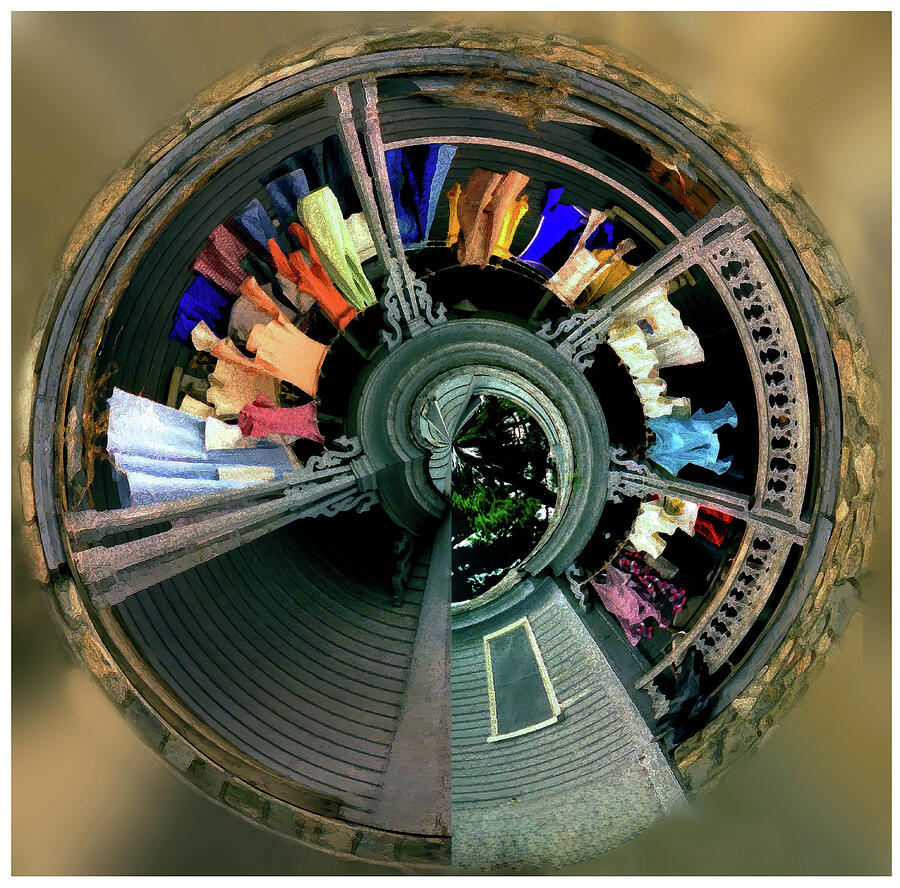
Milly's Clothes Grow on Trees


Photographed at Big Milly's in Ghana. Big MIlly's is a tourist destination outside of Accra with beautiful beachfront and a lot of very colorful people and good music.

Sunday, January 31, 2010

Ice Fishing

by Dave Mance III | January 14th 2010
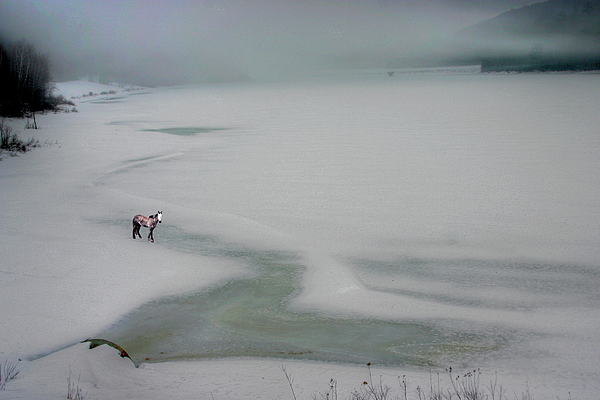
Ice fishing on Newfound Lake
Photo courtesy of Wayne D. King

We were on the ice by 6:30, loaded for bear with tip-ups, axes, augers, bait fish, cooking implements and the likes, the three of us heading out across a virgin snowpack on a lake that seemed to spread out forever. Crunch, crunch, crunch our footsteps echoed off the hardwood shoreline. A day camp was struck on the south side of a small peninsula, sheltered from a light but steady northerly breeze. Somebody set to work on a fire and a coffee pot while the others turned their full attention to the ice.

The auger hadn’t run since last February and it took a few good sprays of ether to get the varnish pulsing through the carburetor. Then, the deep gargling sound of the engine. In a minute or so 18 inches of ice was ground to a perfect circle. (While I hate to sully an otherwise serene scene by describing the buzz of an internal combustion engine, I’ve got to report that the sound of a power auger is that of divine progress and angels singing to someone who spent their formative years hacking hundreds of holes through bunker-thick ice with a spud bar). More